systeme.io
Launch your first digital product free today.
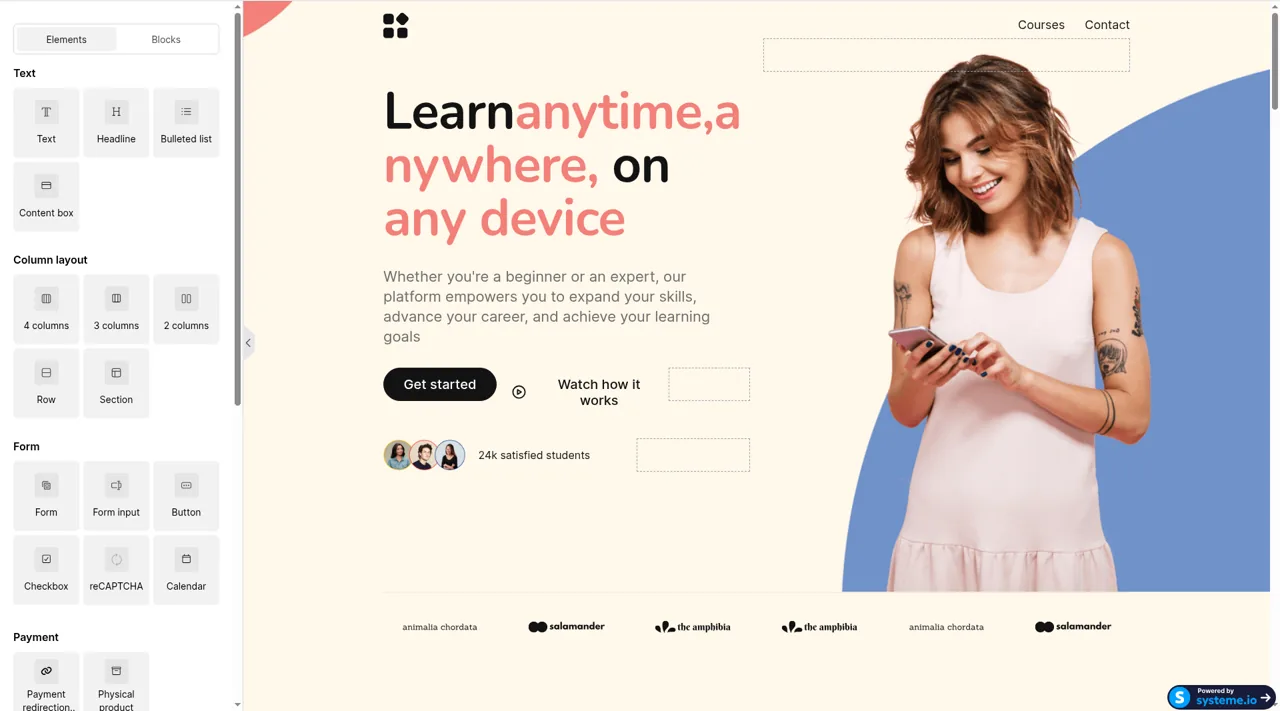
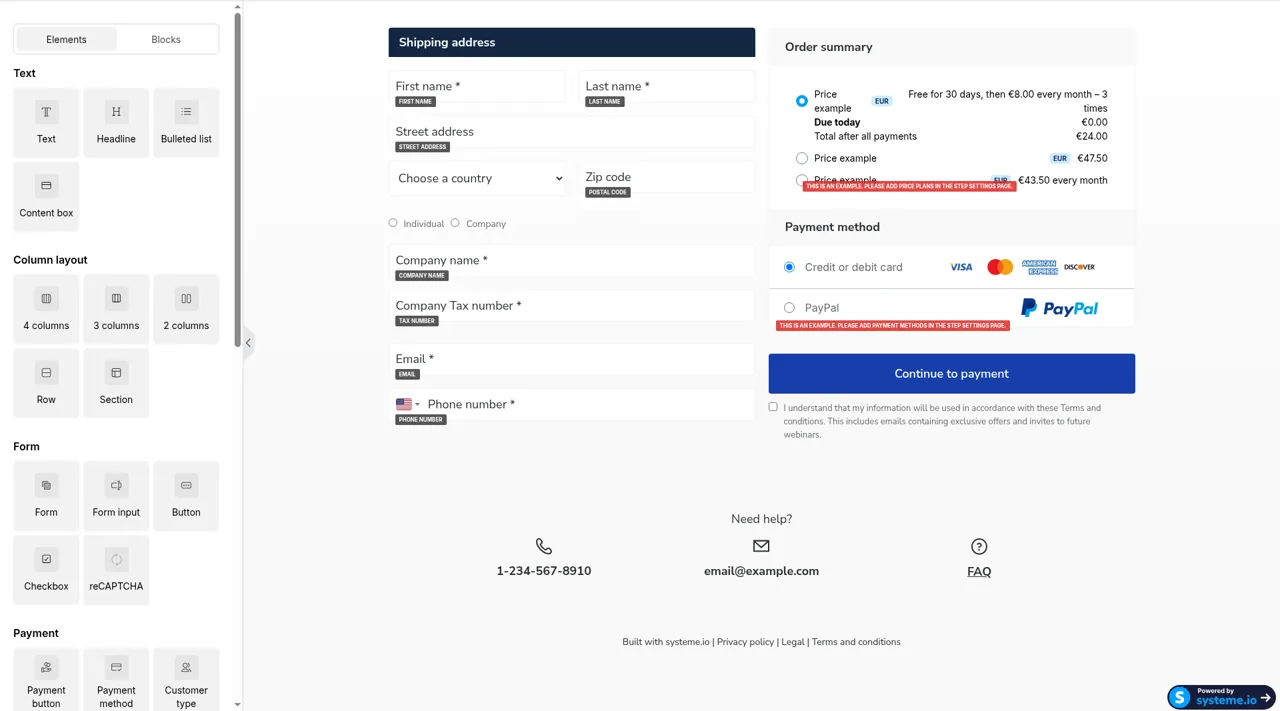
The page, the checkout, the emails, and a simple course. One account, before you pay for a stack of tools.
Free forever plan. No credit card.
Some links are affiliate links; I may earn a commission at no extra cost to you.
500,000+ entrepreneurs, as stated on systeme.io’s homepage.
What you get
- A page you can send Sales page and checkout live in the same account.
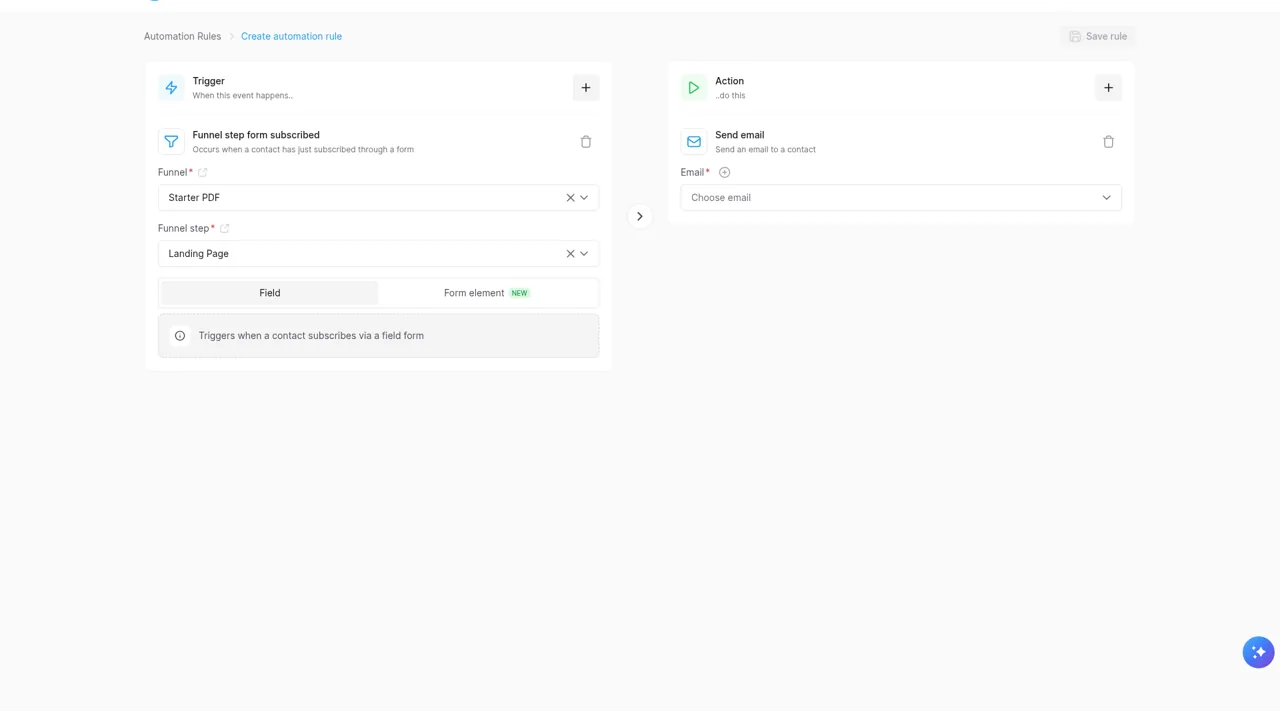
- Email that follows The signup and the sale can trigger the next note.
- A simple course The free plan includes one course you can deliver.
- No platform fee systeme.io adds no cut. Stripe or PayPal still charge theirs.
Three steps to a link you can send
- Open the free account.
- Add the offer and a price.
- Send people the page.
The limits, in their words
Their pricing page: the free plan never expires, does not require a credit card, and includes up to 2,000 contacts, 3 sales funnels, 1 course, and unlimited emails. Automation on that plan is narrow — one rule, one campaign, and 500 students.
Their help center: free accounts stop taking new sales after $10,000 in lifetime revenue. Startup, at $17 a month, is the next plan up.
No transaction fee from systeme.io on any plan. The payment processor still takes its fee.
Who should skip it
Best when the first product is a PDF, a workshop, or a small course and you want one login.
Skip it if the page has to look custom, if the business is the email list, or if students need a full classroom. Kit and Thinkific are clearer at those jobs. The templates are plain, and the free plan is deliberately narrow.
Pros and cons
Pros
- Page, checkout, email, and a simple course in one account
- Free plan can take a payment and deliver the product
- No extra platform fee on the sale itself
- A lead page that continues into email, then an offer, is the normal path
Cons
- Pages look like the built-in templates
- Email is fine for a launch and weak if the list is the product
- Free plan caps courses, funnels, contacts, students, and lifetime sales
- The dashboard has a lot of surfaces for a first afternoon
Screenshot walkthrough